

 Download latest APK
Install and open the app
Open the downloaded APK. If prompted, allow the browser or file manager you used to install unknown apps, then follow the system prompts. You can turn this permission off afterward. Install only one APK matching your device architecture.
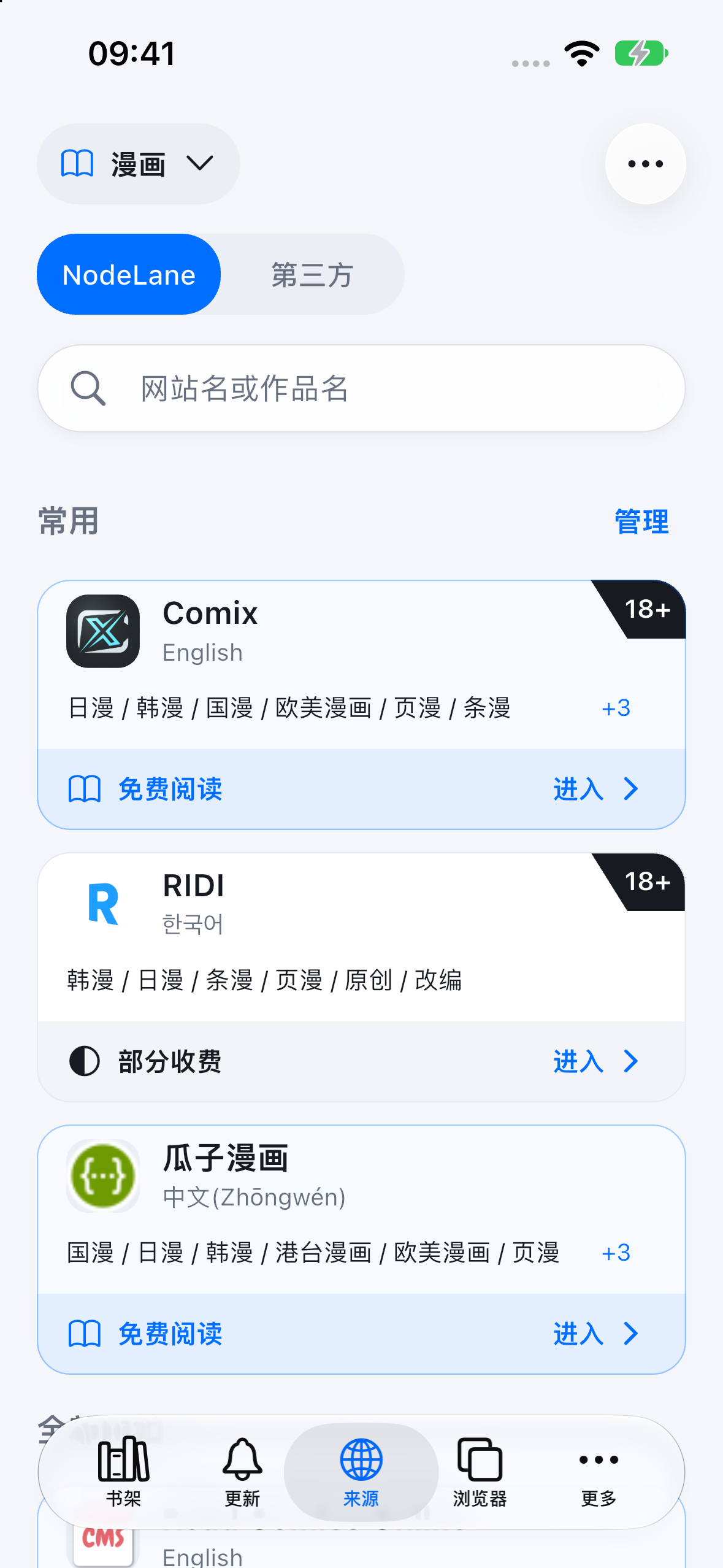
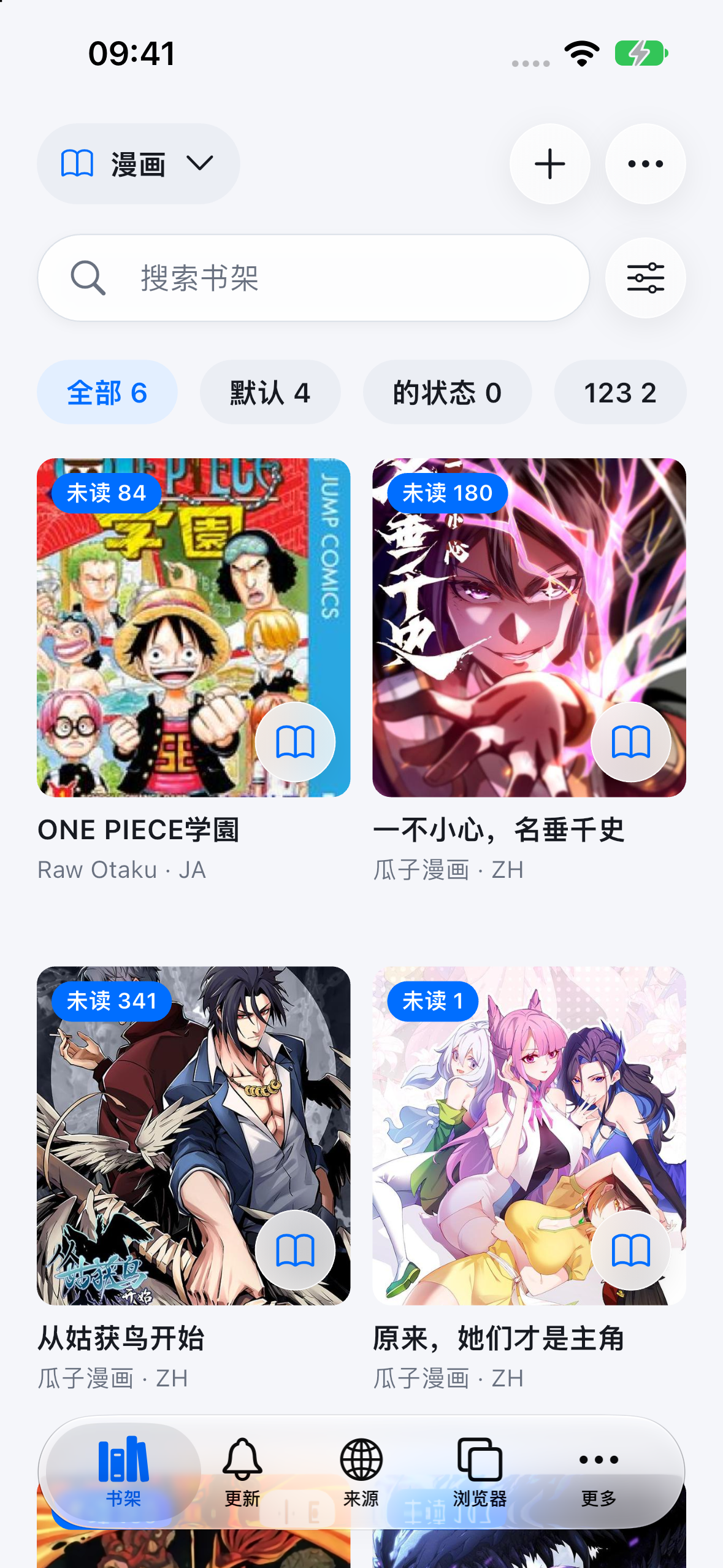
Shared app interface preview: these Chinese-language screenshots come from an iOS simulator. Android may look slightly different. Comic content and covers belong to their respective rights holders.
Find a comic source
Open Sources to browse comic sources or search across sources. Choose an accessible source and open a comic’s details.
Save to your library
Add a title to your library, then open it from there to continue from your last reading position.
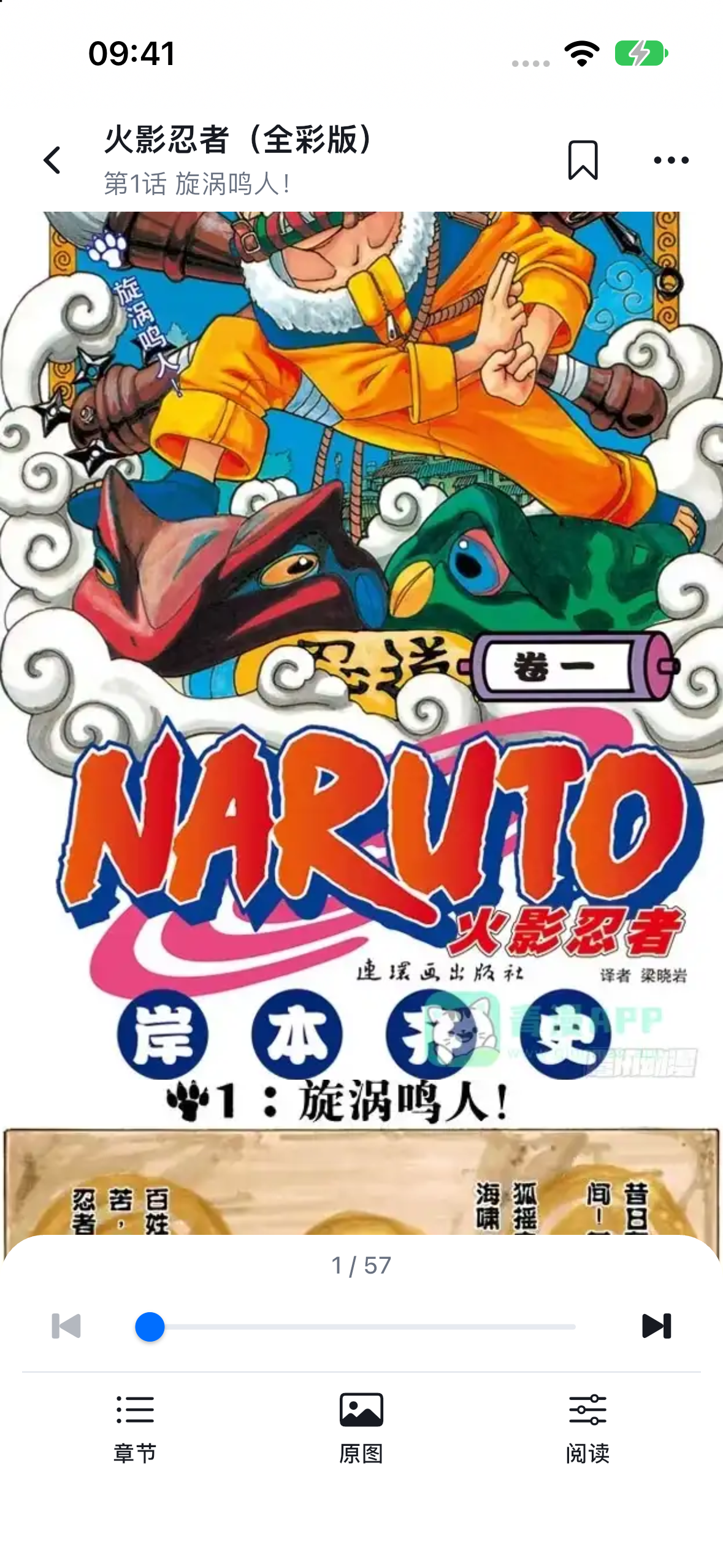
Read and translate images
Open a chapter and choose scrolling, single-page or double-page reading. Sign in to NodeLane before using image translation; you can switch back to the original. You can also read websites in the built-in multi-tab browser.