


NODELANE COMICS / GUIDES
Reading, translation and remote library guides
Get started with CBZ, PDF and EPUB, connect OPDS or manga-translator-ui, translate website images or a selected area, and understand offline reading, privacy and recovery.
Start with what you want to do
Real screens. One complete reading workflow at a time.
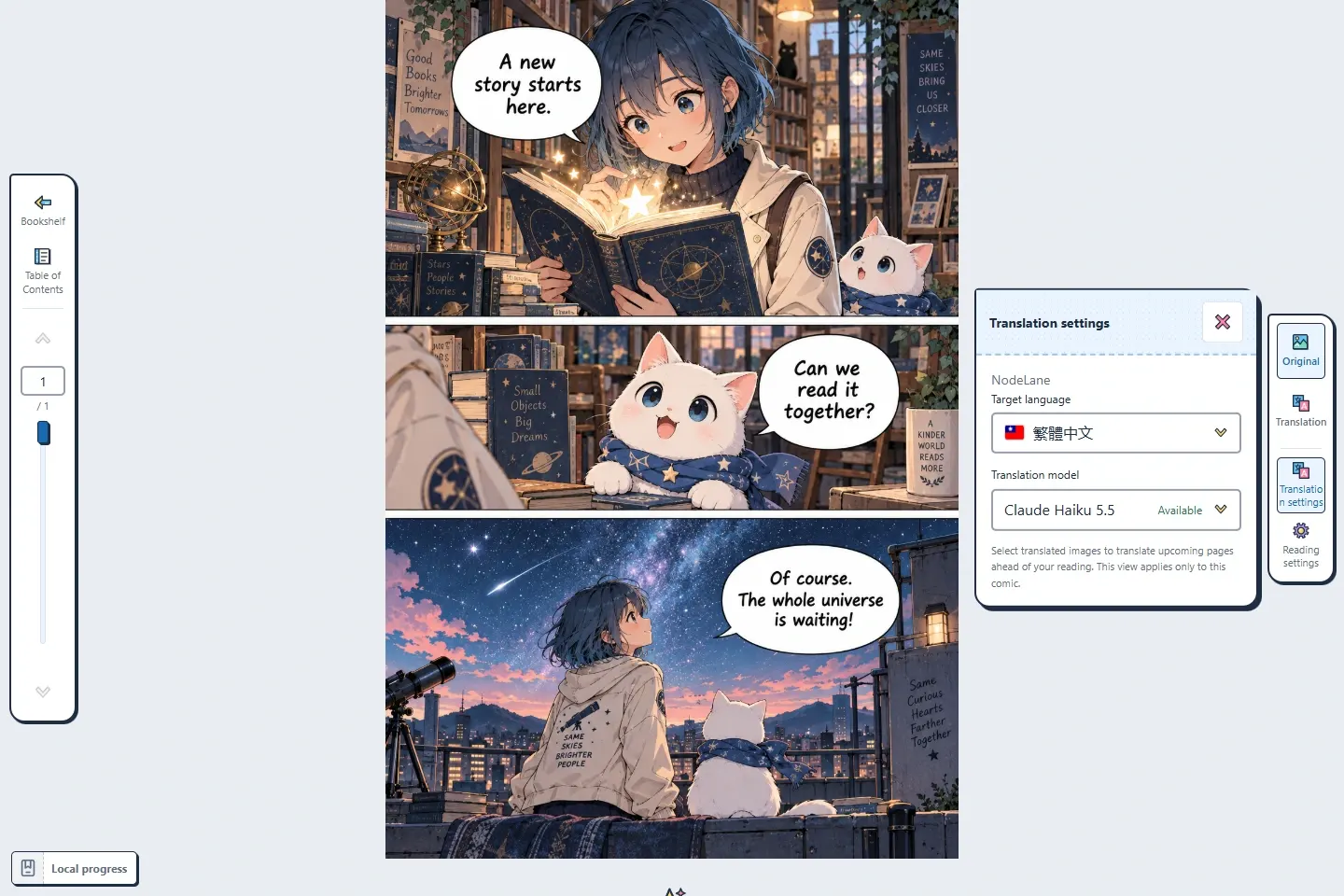
How to translate manga in your browser
Translate loaded website images, one image or a visible area; read supported comics with saved positions, configurable shortcuts and original comparison.
Read guide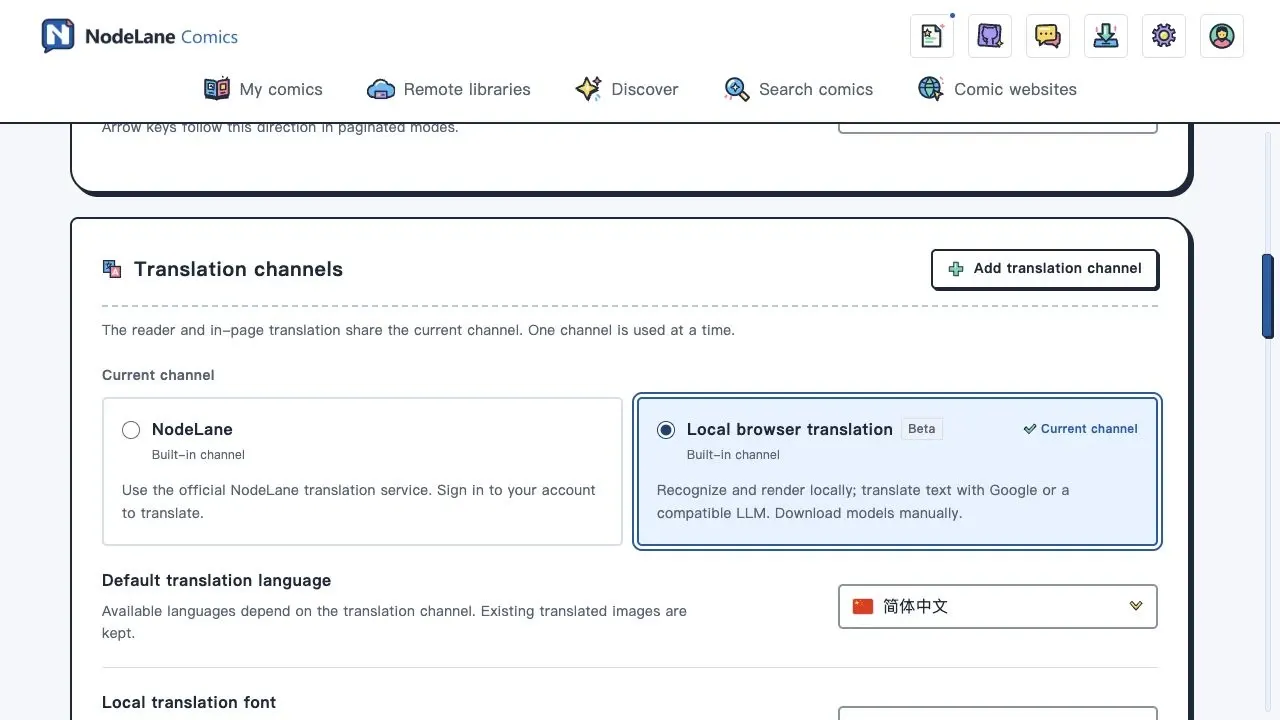
Built-in manga translation: browser setup and your first page
Set up NodeLane local browser translation (Beta) without deploying a server. Download models and fonts, choose Google or an LLM, translate a page and troubleshoot with screenshots.
Read guide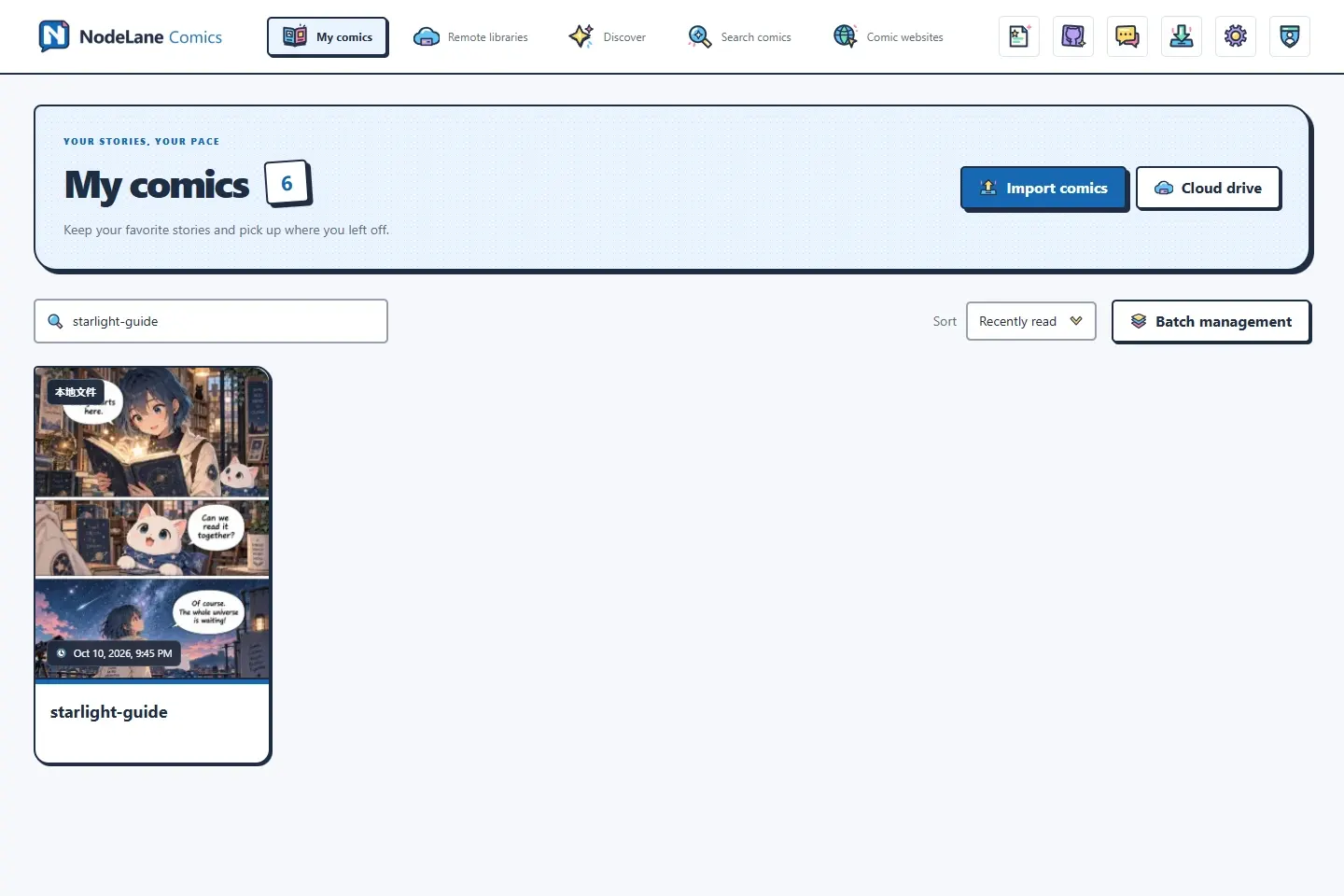
Read CBZ, CBR, PDF, MOBI and EPUB locally
Import supported local comics and EPUBs, understand embedded-image translation, and distinguish local reading from online or self-hosted translation.
Read guide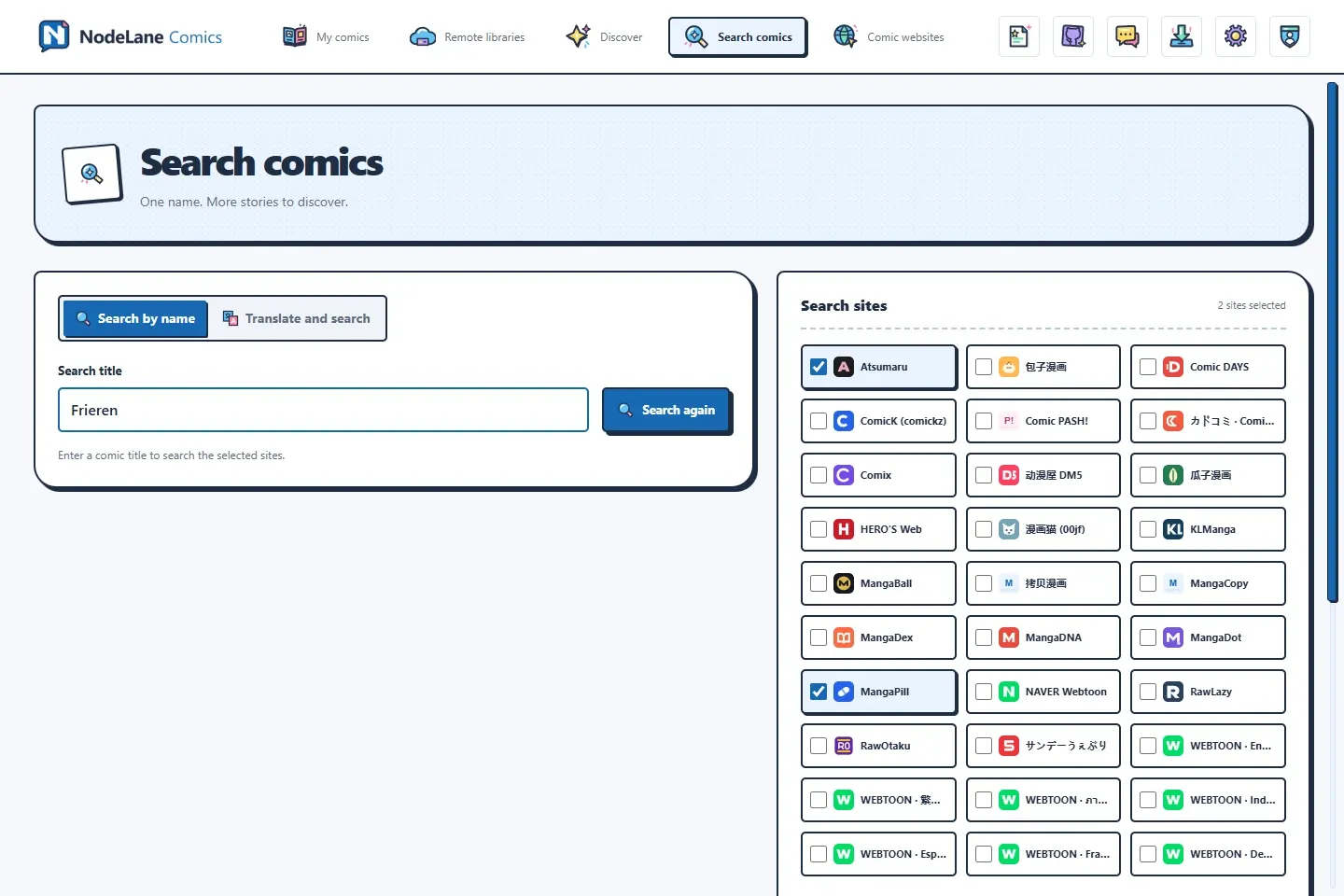
Find a comic: search by title, then import and read
Choose a title and a few websites, check the results, and open your next read. Translate a title when you need another name.
Read guide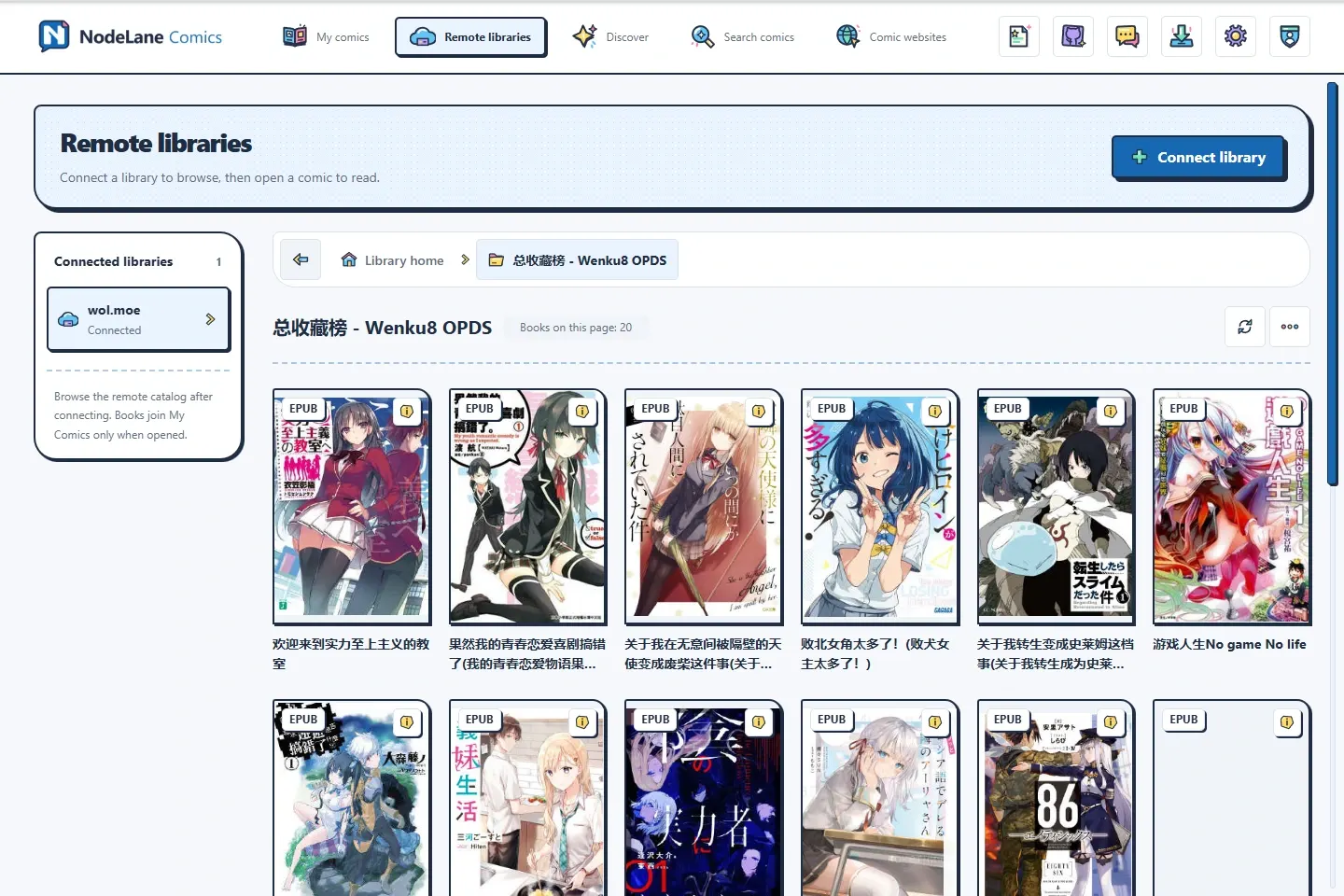
Read Google Drive and OPDS libraries in your browser
Connect remote books, understand on-demand reading and downloads, open EPUBs and keep reading progress locally or with a compatible source.
Read guide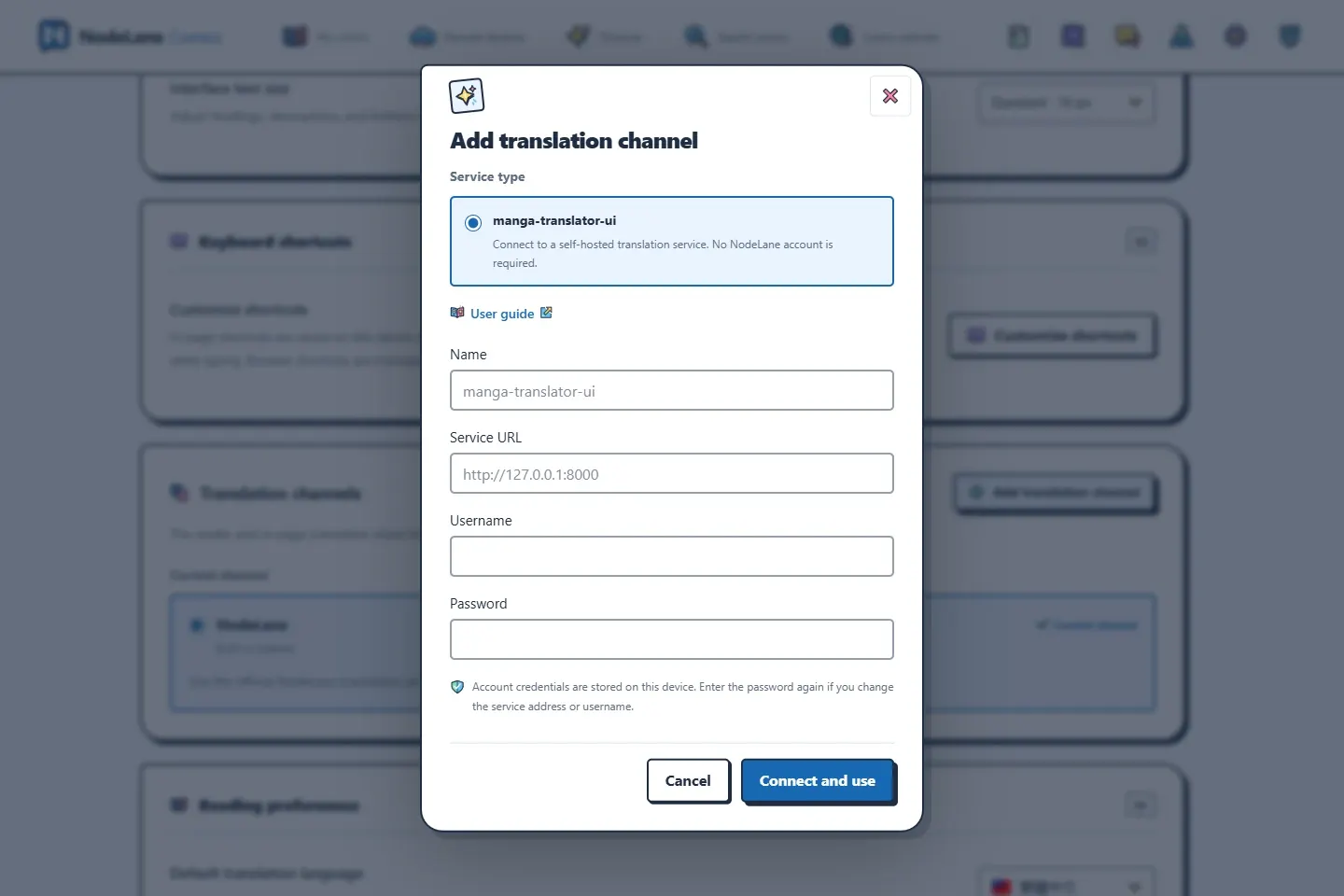
Local manga translation: connect manga-translator-ui to NodeLane
Set up the manga-translator-ui Web service, connect it to NodeLane, and translate your first comic page. Includes connection, login, waiting and cache troubleshooting.
Read guide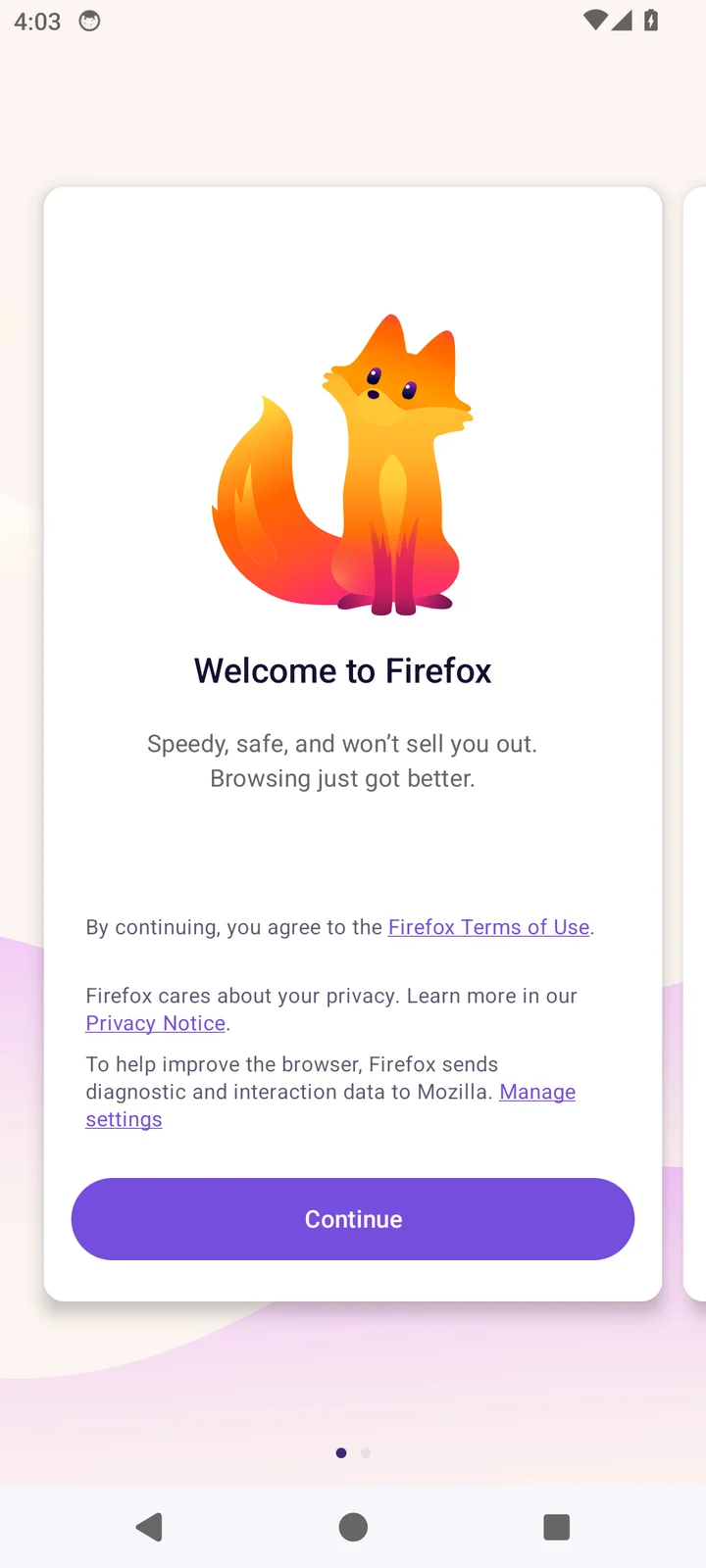
Read comics on Android with Firefox
Install Firefox, add NodeLane Comics and open your reader on Android. A step-by-step mobile extension guide.
Read guide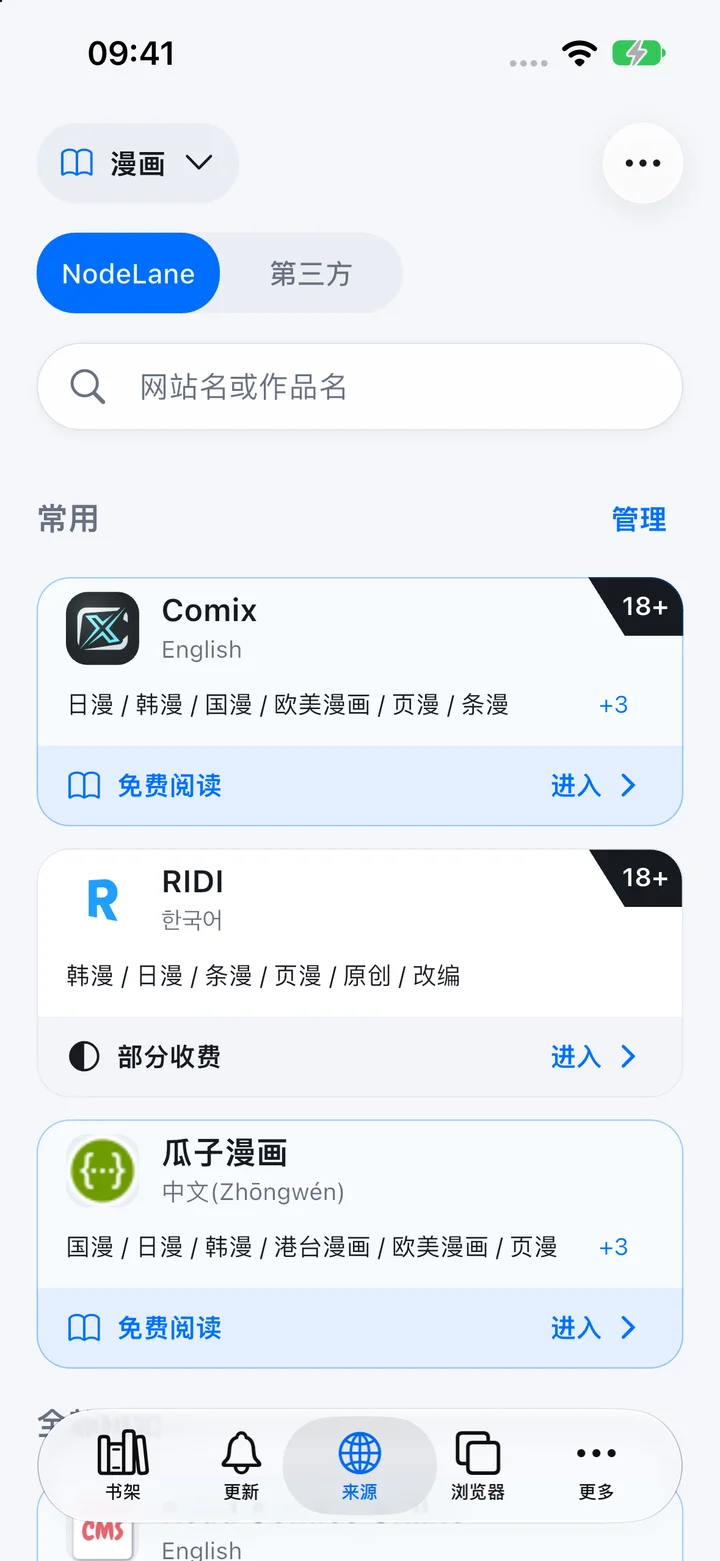
Android app: download, install and start reading
Keep your library, comic sources and reader in your pocket with NodeLane Comics.
Read guideDetails & troubleshooting
YOUR NEXT CHAPTER
Good stories deserve to be understood.
Open a comic, connect your library, and translate the images you want to understand.