


Real desktop extension captures in Chinese, Japanese, Korean and English, with an original sample comic. Connection forms show setup, not a verified service connection.
Know the supported formats
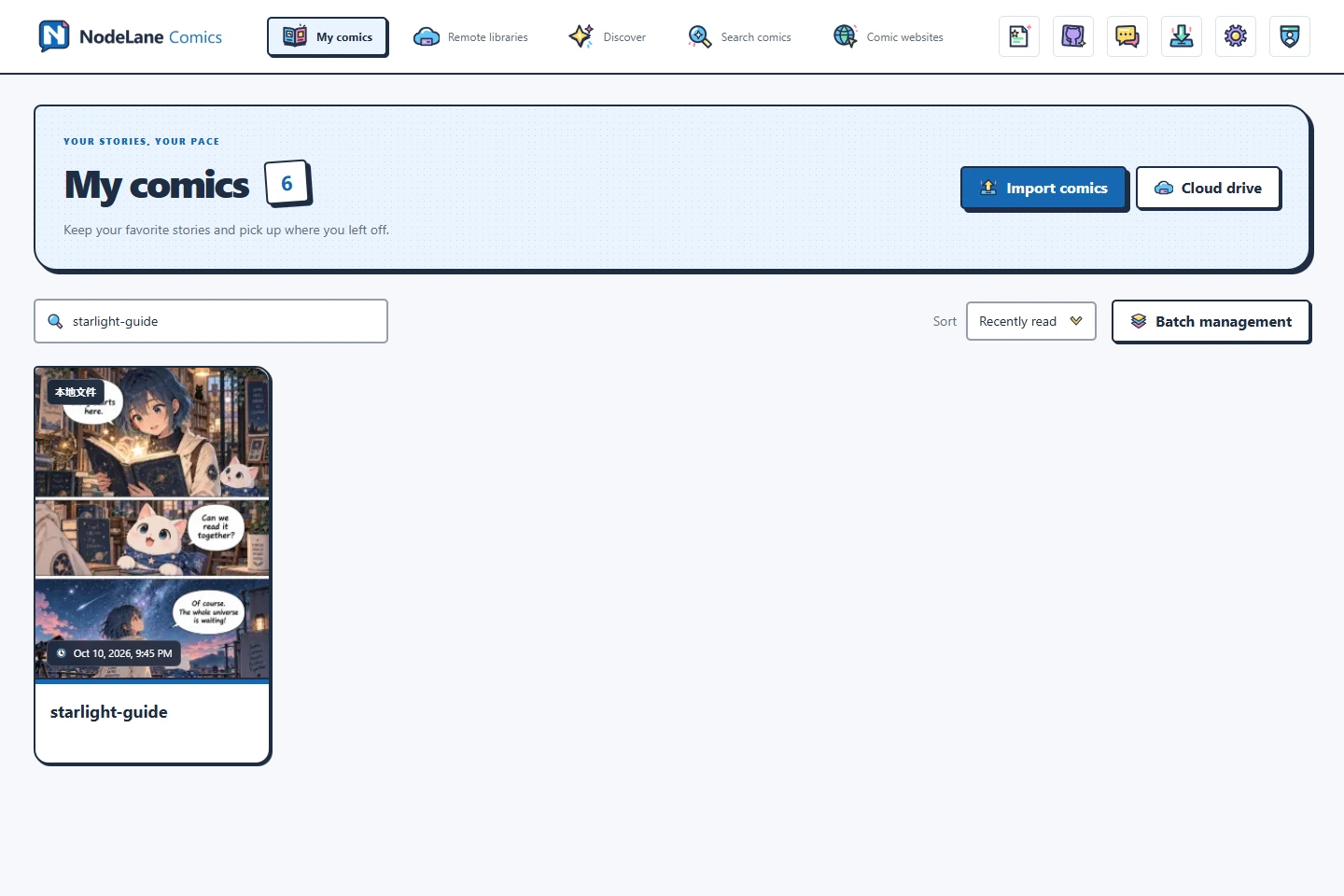
Import CBZ/ZIP, CBR/RAR, PDF, supported DRM-free MOBI and EPUB. Each container is one book with its source order; loose-image imports are not supported. Renaming a file does not convert its format.
EPUB keeps body text, chapters, table of contents and font controls in the reader. Only supported embedded bitmap images are translated; body text and vector lettering remain original. DRM-protected and font-obfuscated EPUBs are unsupported.
- In My comics, choose Import comics and select a supported file.
- The reader opens after import. Use the directory on the left to inspect page order or switch chapters.
- Adjust layout, direction and zoom in Reading settings. Check the originals before choosing a translation channel and target language.
Check the file and the reading layout
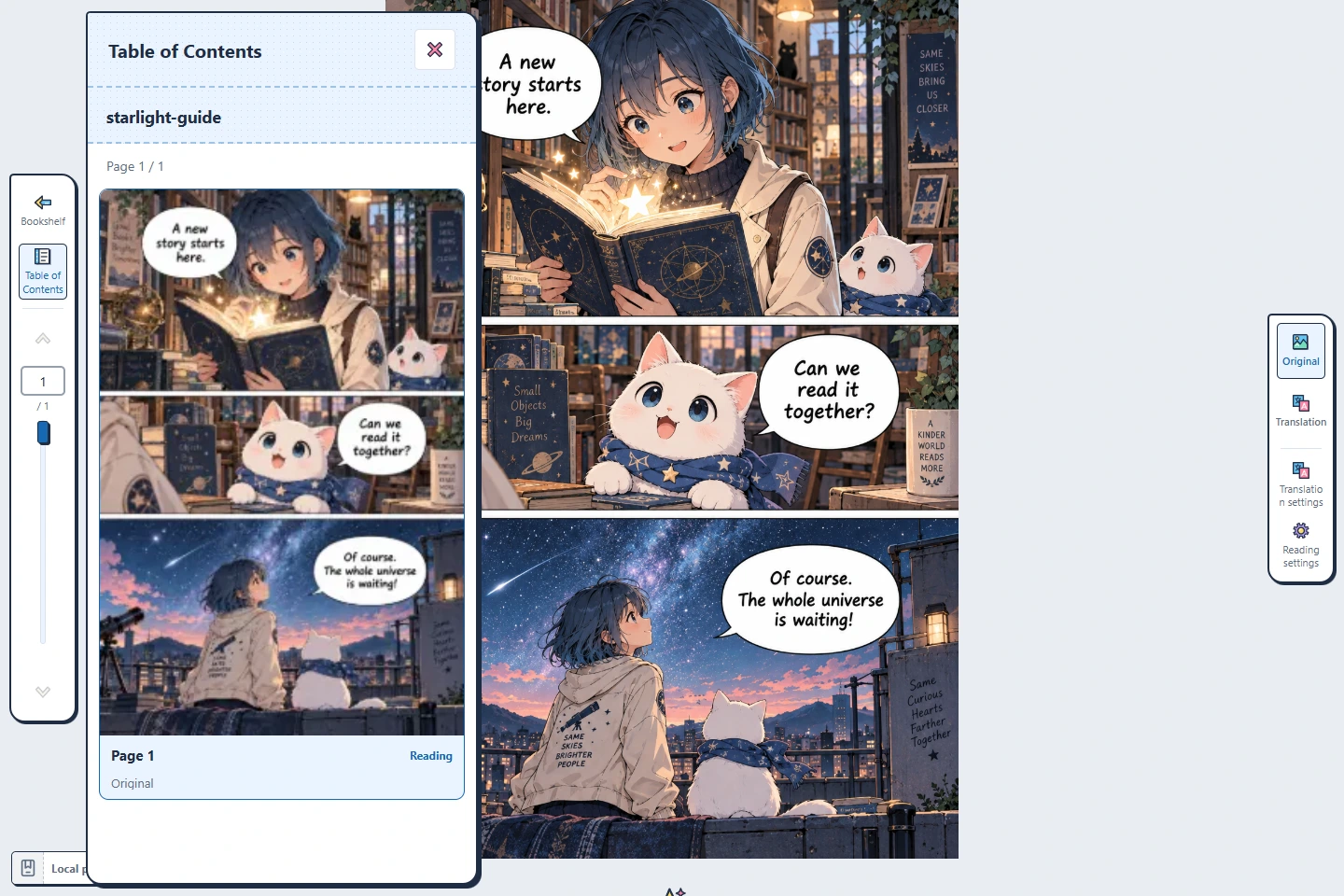
Use a complete file that you are entitled to read. Check its actual format, encryption and compression before importing. Import opens the reader directly; damaged pages report their own errors. Continuous reading, direction, zoom and background are adjustable.
MOBI support depends on its supported content references and compression. Standalone KF8/AZW3 and encrypted books are unsupported; the extension does not remove DRM. MOBI currently permits up to 512 MB and 1,500 pages, subject to structural and decoding checks.
Local reading and translation use different resources
Local files are parsed in your browser and originals can be read without a NodeLane account. Official image translation sends selected images to the service. Your own MTU channel sends them to the configured MTU, whose processing may still involve online services.
Your shelf and local progress are stored on this device. Compatible remote sources can separately sync reading progress, but local import does not automatically sync the book or whole shelf. Keep original files and explicit offline saves; caches are not permanent backups.