
Your comic files
Import supported comic archives and documents into your shelf. Read the original locally, without signing in.
Import a local comicYOUR STORIES. YOUR PACE.
Read manga with AI translation in Chrome, Edge and Firefox. Open supported websites or your own CBZ, CBR, PDF and DRM-free MOBI files, and compare every translated page with its original.
Microsoft Edge · Store review pending
Made for desktop readingChrome / Edge / Firefox
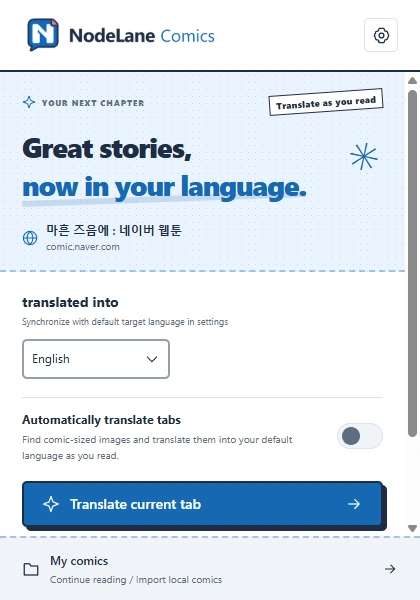
Read local originals for free, without an account.
Use official translation allowances or connect a local service.
A READER THAT FEELS LIKE YOURS
Your shelf, your reading layout, your language. Take a look inside the extension.
Keep your comics together and pick up where you left off.
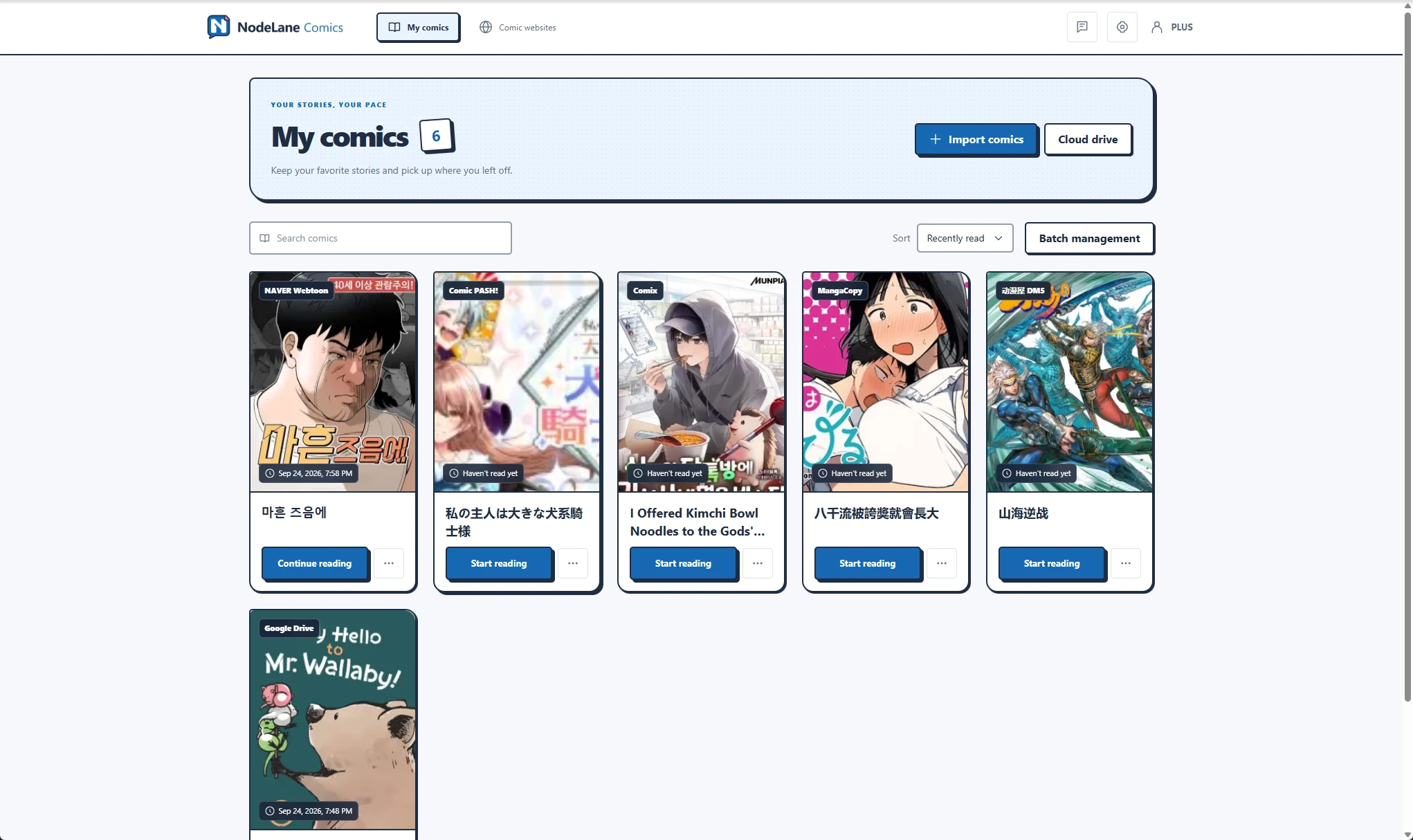
Actual extension screenshots, shown in English. Features may differ by installed version. Comic artwork belongs to its respective owners.
TAKE A CLOSER LOOK
Switch between a Japanese original and recorded translation results. In the reader, original and translated views stay within reach.
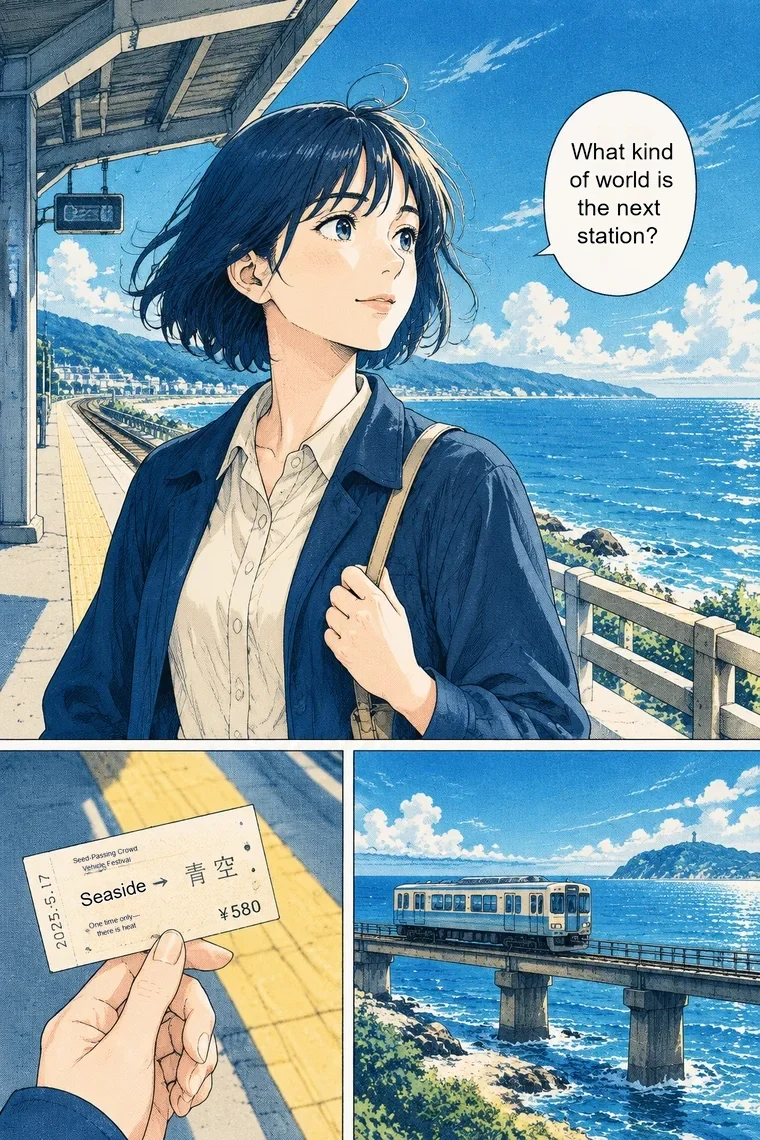
A real standard-translation sample on an original AI illustration. Results vary by artwork, text and language.
How translation worksRecorded standard-translation results
FROM YOUR FILES OR THE WEB
Import supported comic archives and documents into your shelf. Read the original locally, without signing in.
Import a local comicAdd a comic link from a supported site. Website imports use dedicated adapters; support varies by site.
See website import instructionsTRANSLATE WHEN YOU WANT TO
New comics open in the original view. Choose a translation mode when you are ready.
Detects text, translates it, and places it back into the page with local background repair.
Uses an image model to translate and redraw the page. It can also change details in the artwork.
FAQ
Yes, on desktop Chrome, Microsoft Edge and Firefox. Chrome and Firefox have store installation links. The Edge store listing is under review; get the Edge ZIP package from the download page in the meantime.
Get the extensionReading local originals is free and needs no account. Official translation requires sign-in; Free includes 30 classic translation pages per day. PLUS removes the daily and monthly classic page cap, with rate and capacity limits still applying. AI redraw requires a valid allowance. Check current plans for prices, pages, trials and monthly or annual billing.
PricingCBZ/ZIP, CBR/RAR, PDF and supported DRM-free MOBI6/MOBI6+KF8 comics. Standalone KF8/AZW3, EPUB and encrypted books are not supported. Loose images cannot be imported. Website imports require a dedicated adapter.
Read CBZ, CBR, PDF and MOBI comics locallyYes. Connect your own manga-translator-ui service by adding and selecting a local translation channel in extension settings. This does not require a NodeLane account or official translation allowances. You must run the service yourself; network requirements, available modes and image handling depend on that service.
Classic translation or AI redraw: which should you choose?YOUR STORIES. YOUR PACE.
Get the extension, open a comic, and make yourself comfortable.