
%22%20d%3D%22m0%200%2016%2011h61%2061%2061%2061%2060L47%2037h61%2061%2060%2061L16%2063h61%2061%2061%2061%2060L47%2089h61%2061%2060%2061L16%20115h61%2061%2061%2061%2060L47%20141h61%2061%2060%2061L16%20166h61%2061%2061%2061%2060L47%20192h61%2061%2060%2061L16%20218h61%2061%2061%2061%2060z%22%2F%3E%0D%0A%3C%2Fsvg%3E%0D%0A)
Before you start
This is a browser extension guide, not a NodeLane APK. Use up-to-date Firefox for Android; the store checks version compatibility. Firefox Focus is not supported by this guide.
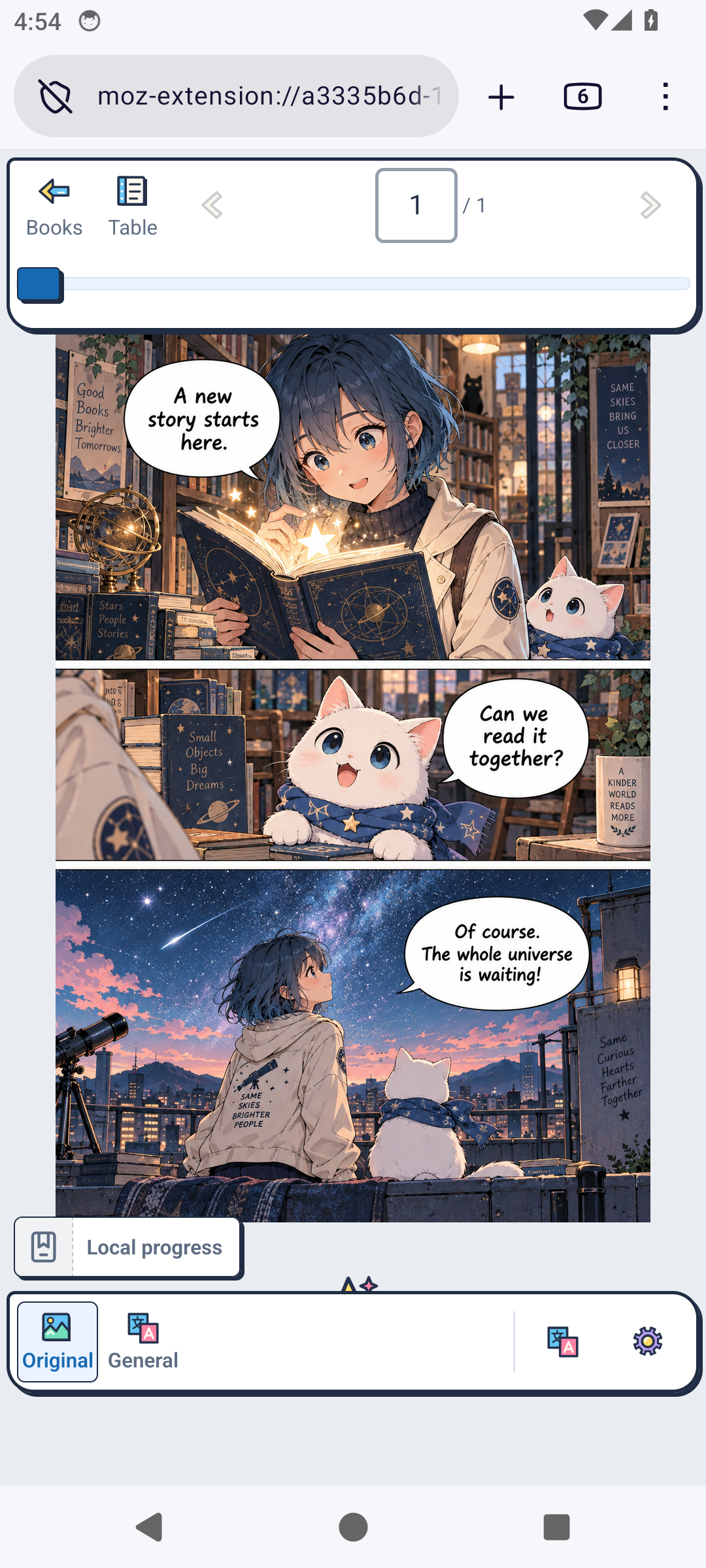
Emulator captures: Android 14, Firefox 157.0.1. The reader uses temporarily loaded, Mozilla-signed 0.10.3 and an original English sample; permanent store installation, sign-in and translation were not verified by these captures.
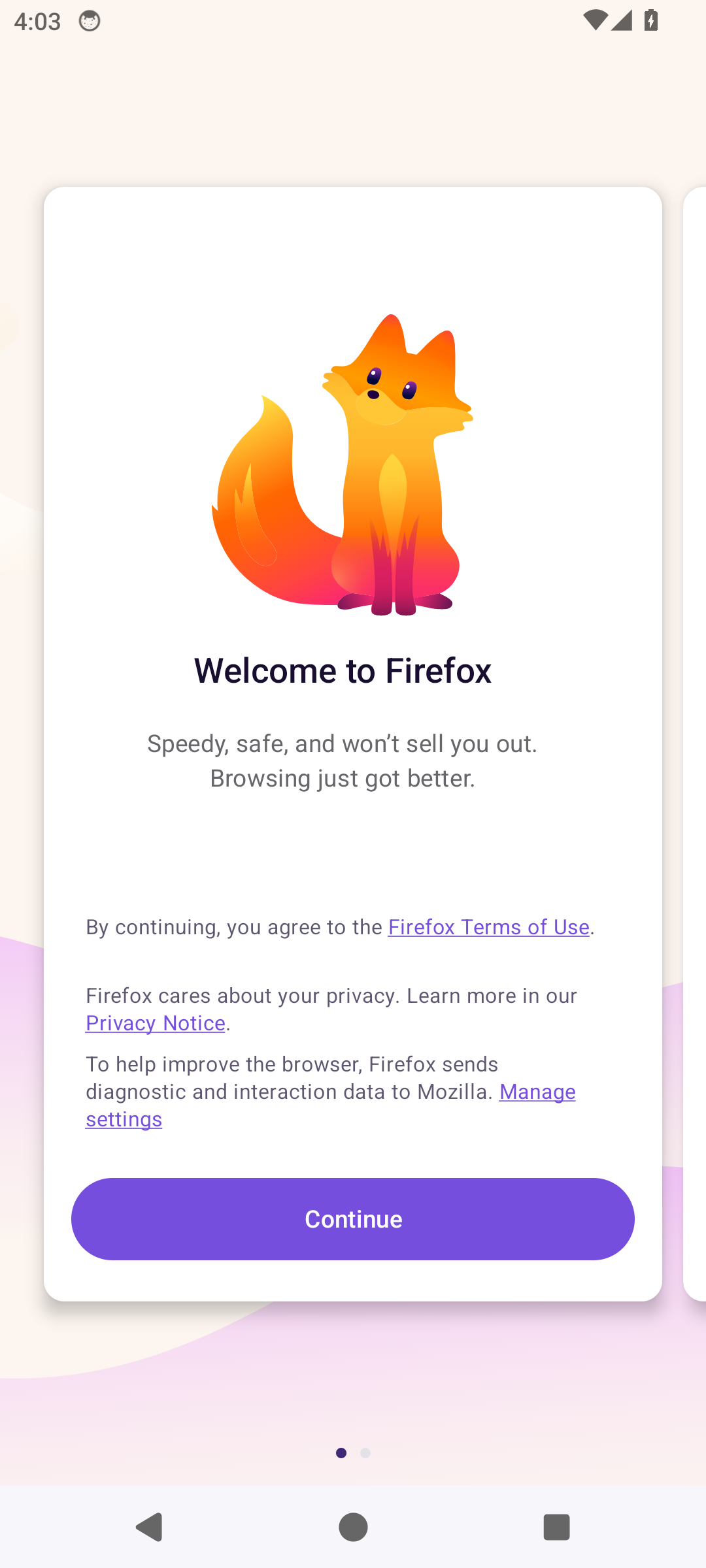
1. Install and open Firefox
Follow the Android download on the official Firefox page. Then reopen this guide in Firefox and keep using Firefox for the store link below.
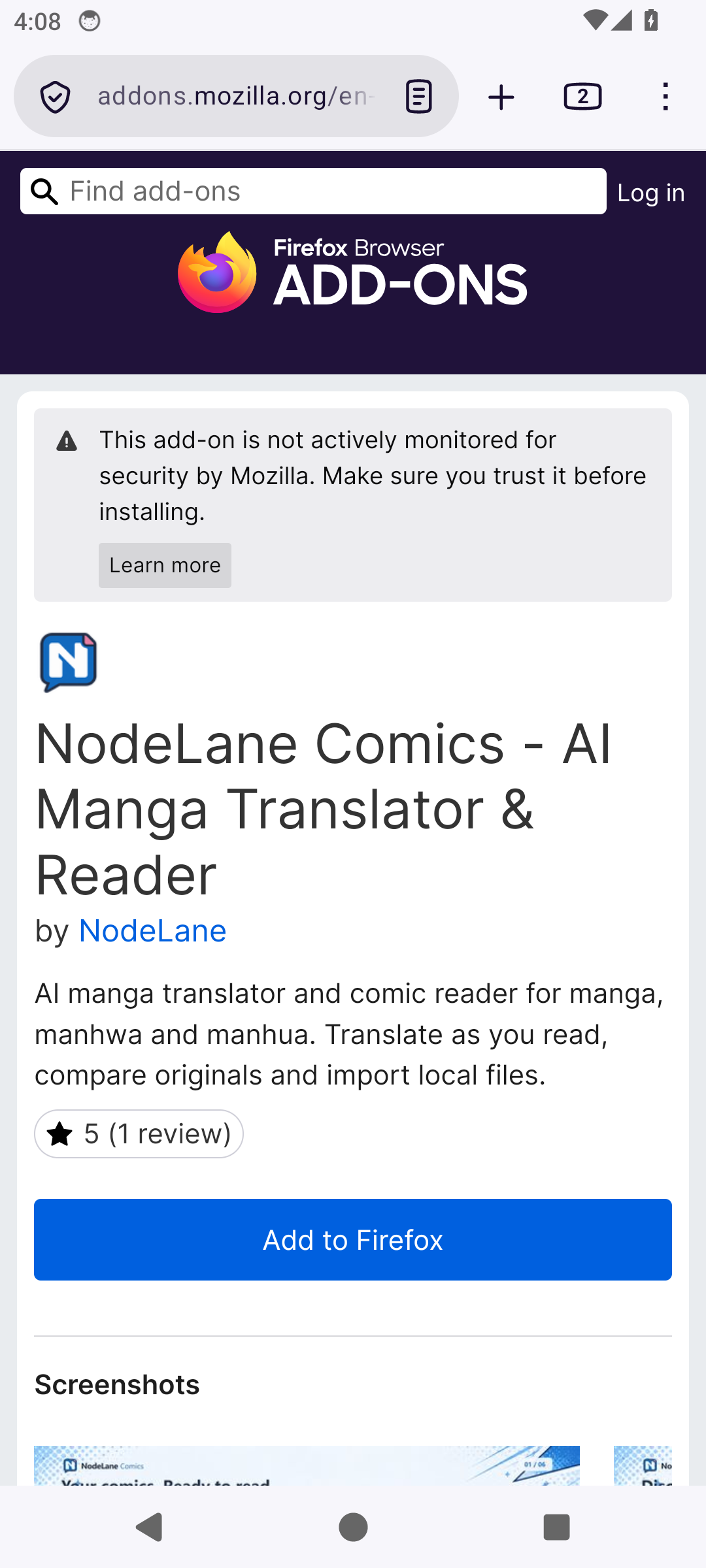
2. Add the extension from the official store
Open the NodeLane Comics Firefox listing below. Choose Add to Firefox, review the requested permissions and confirm. The ⋮ → Extensions menu also opens extension management.
3. Open the reader and try a chapter
Choose NodeLane Comics from Firefox’s ⋮ → Extensions menu to open the library or reader. Try a small local file or add a comic from a supported site using the extension’s prompts. Configure translation when you need it.
FAQ
No install button? Open the link in Firefox and update the browser. Do not force an install if the store reports incompatibility. If nothing happens, check the extension is enabled and site access is allowed, then reload. Test in a regular tab first; private browsing needs separate permission.
Official references
Chrome · Edge · Firefox / Android · Firefox / iOS · Orion — Compatibility in progress